 WooCommerce
October 7, 2026
•
8 min read
•
sakshampangotra
Building an Interactive Print-on-Demand Product Customizer in WooCommerce with Fabric.js
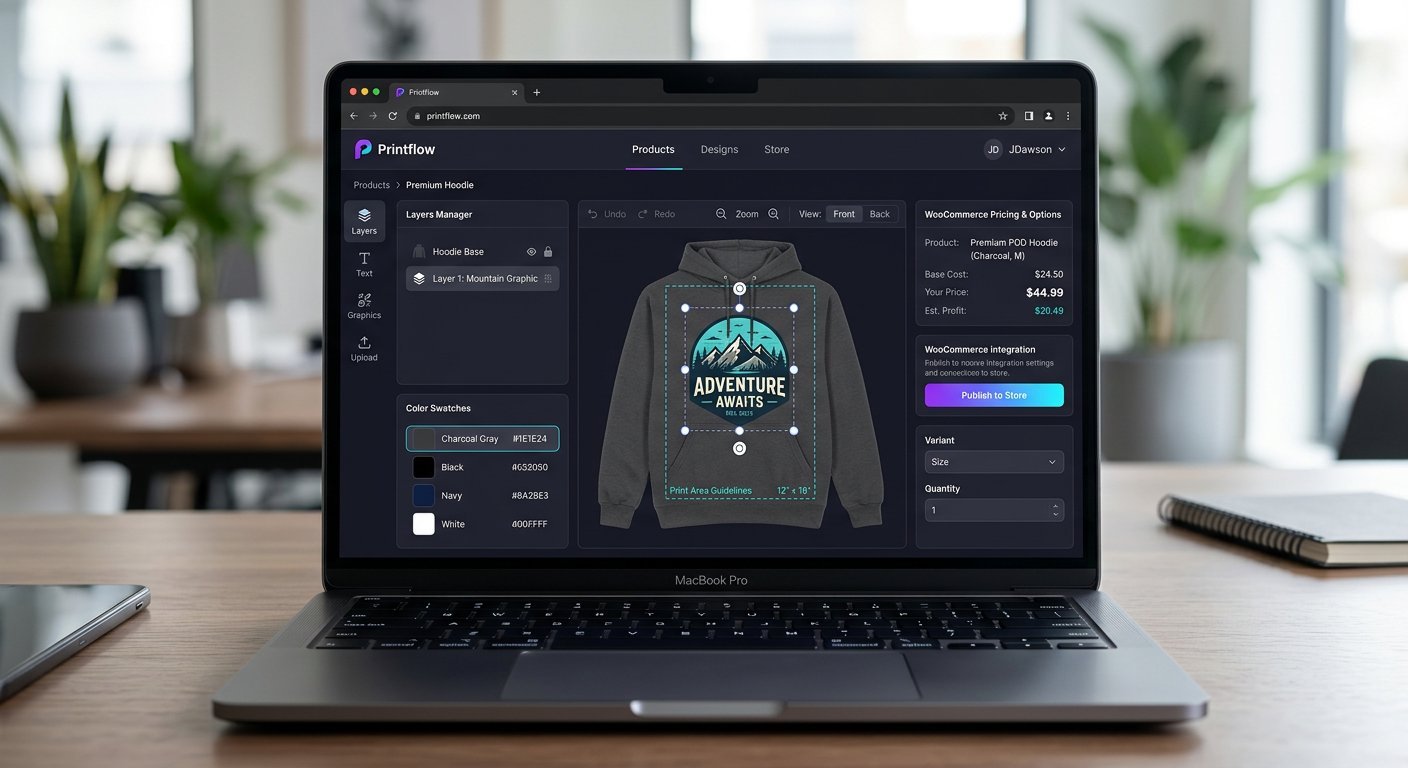
Standard WooCommerce variable products work well for static SKUs, but Print-on-Demand (POD) storefronts require real-time visual personalization. At KbizSoft Solutions, I engineered a custom WooCommerce plugin that embeds an interactive Fabric.js HTML5 canvas editor directly on the product page.
1. Admin-Defined Print Bounding Areas
Using custom WooCommerce product meta boxes, store administrators upload base garment mockups (Front, Back, Sleeve) and draw a normalized bounding rectangle defining the printable safe zone.
const canvas = new fabric.Canvas("pod-editor-canvas", {n preserveObjectStacking: true,n selectionColor: "rgba(124, 58, 237, 0.25)"n});2. Persisting Canvas State to WooCommerce Cart & Orders
When a shopper clicks Add to Cart, the plugin serializes both the vector JSON state and a high-DPI PNG data URL, attaching them to the WooCommerce cart item via woocommerce_add_cart_item_data and saving print-ready files upon checkout.